

A fast-paced reflex game for Android with 9 levels, online player login and a Top 100 ranking.
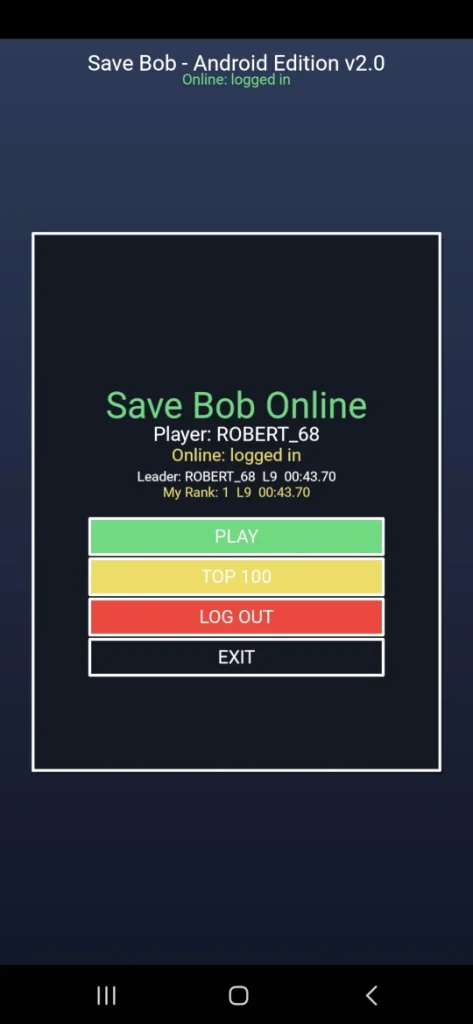
Log in with your player name and PIN, start the game, view the online Top 100 ranking, or check your current rank.
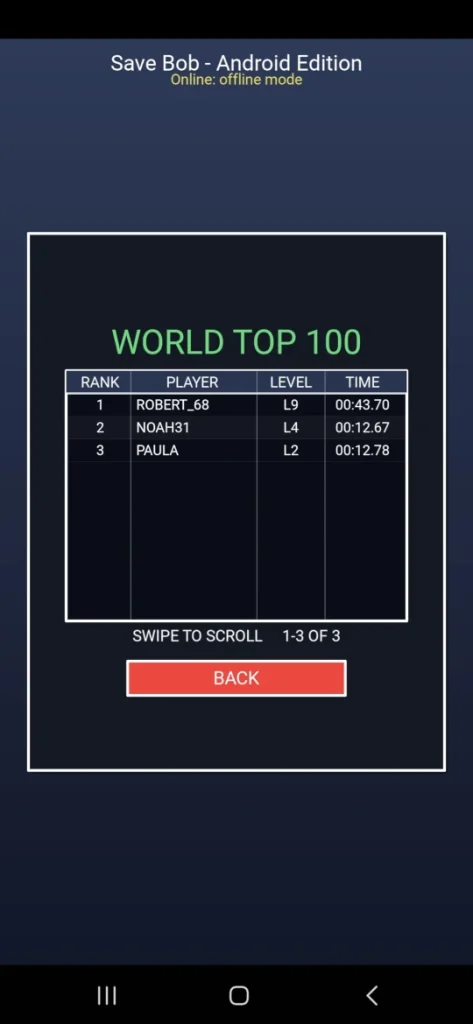
Compare your progress with other players in the online World Top 100. Rankings are based on the highest level reached, with the level completion time used as the tiebreaker.
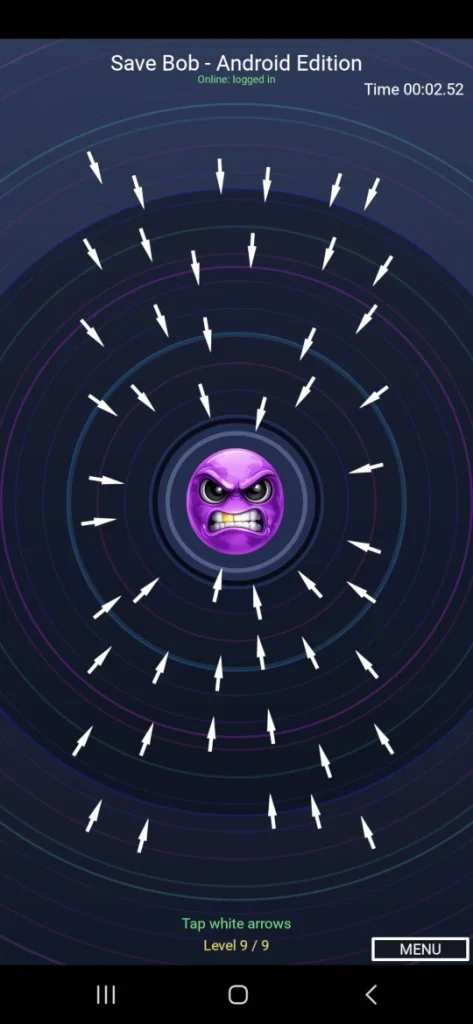
Reach the final level and clear all safe white arrows before disarming the deadly arrows. Level 9 is the most intense challenge in Save Bob Android Edition 2.0.
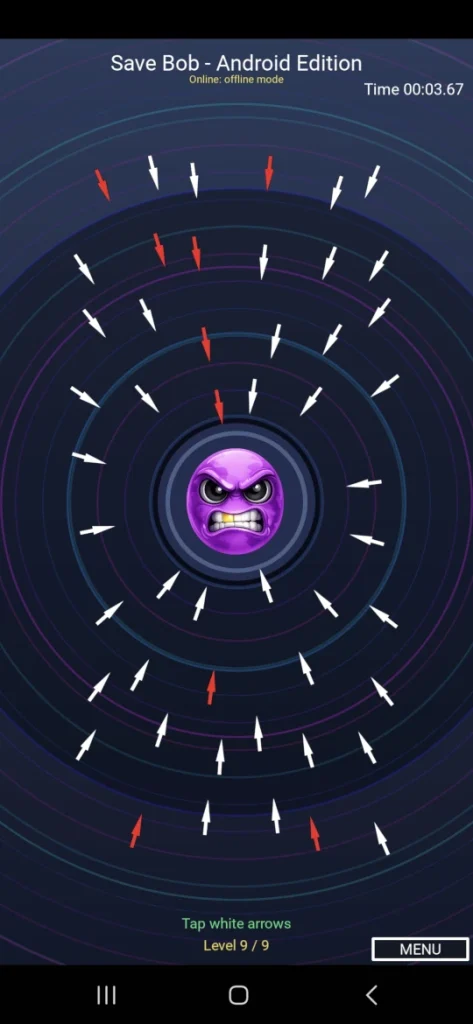
The red arrows are hidden during normal gameplay. They are revealed briefly at the start of each level, and the player must remember their positions and remove them last to save Bob.
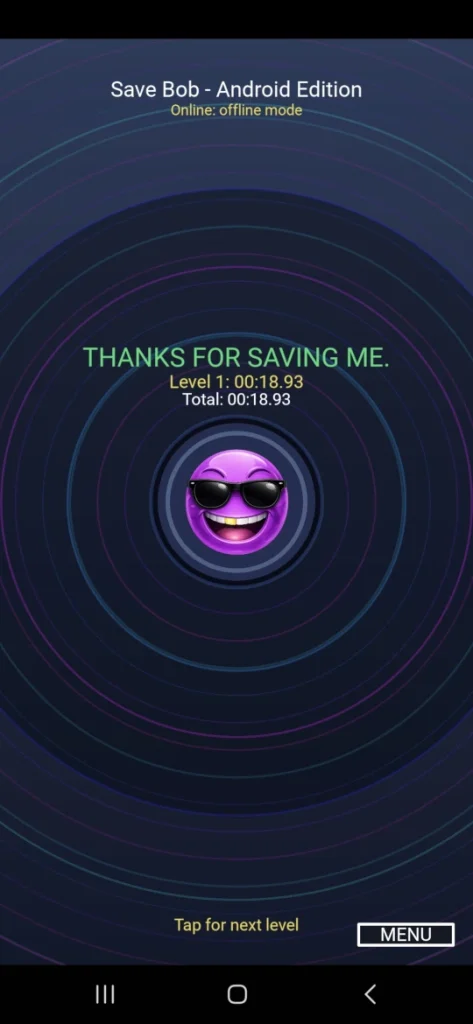
Remove the arrows in the correct order and Bob changes from angry to happy. Complete all nine levels to finish Save Bob Android Edition 2.0.
About the Save Bob Project
Save Bob Android Edition 2.0 was developed through a close collaboration between Robert William Blennerhed and ChatGPT. The project grew step by step from a Python game idea into a complete Android edition with nine levels, online player login, a World Top 100 ranking and a signed release APK.
The game was programmed in Python and Kivy, tested with Pydroid 3 on a Samsung Galaxy A55, and built on a Chromebook using Linux, Buildozer and python-for-android. The final APK was aligned, digitally signed and verified before being published through GitHub Releases.
Save Bob is an example of what can be created with Python, Linux, persistence and creative cooperation—without relying on a traditional Android Studio workflow.
© 2026 Robert William Blennerhed. All rights reserved.
Content and software published on this site may not be copied or redistributed without permission.